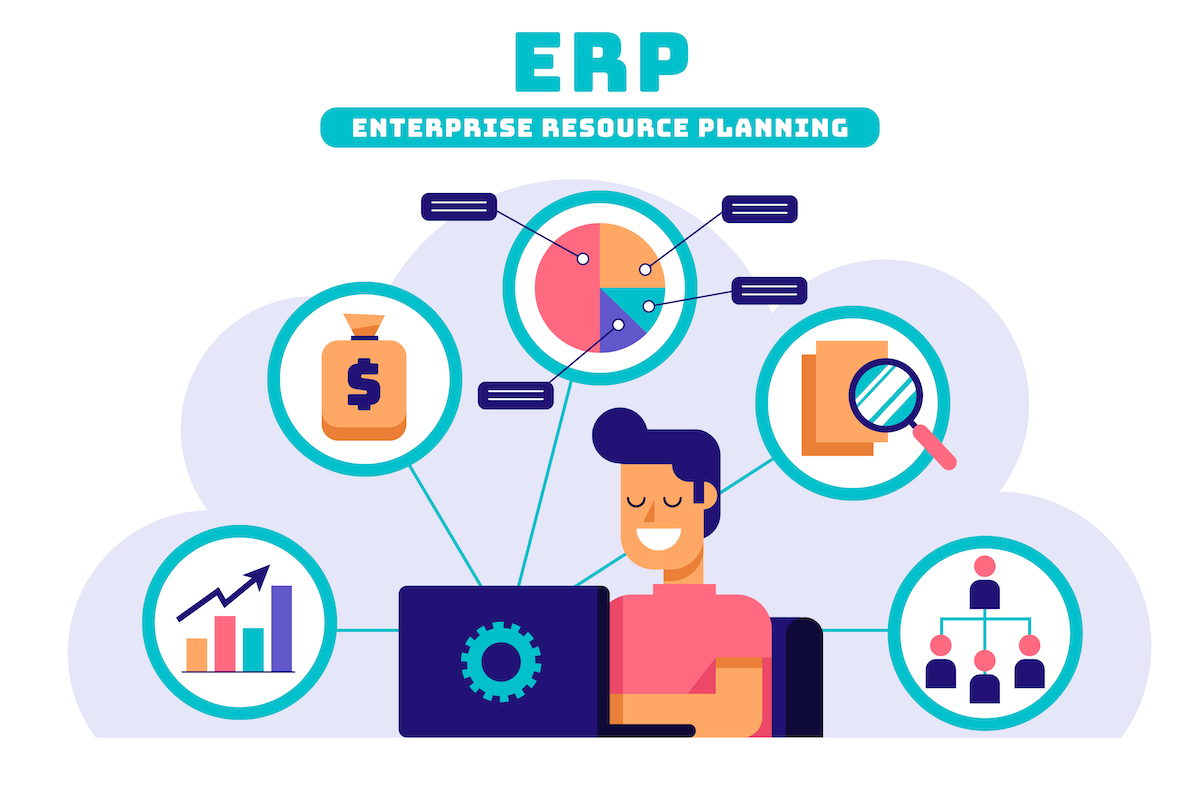
Choosing the right ERP (Enterprise Resource Planning) software is one of the most important technology decisions a business can make. The ideal ERP aligns with your operational workflows, scales with growth, and helps you make data-driven decisions without creating unnecessary complexity. This guide walks you through a practical, step-by-step process to select an ERP solution that fits your business needs—clearly, systematically, and with long-term value in mind.
1. Start with clear business objectives
Before evaluating products, identify why you need an ERP and what success looks like. Common objectives include:
Centralizing financials and reporting
Improving inventory and supply chain visibility
Standardizing business processes across locations
Automating manual tasks to reduce errors
Enabling better decision-making with real-time data
Document the top 5–8 goals and rank them. These priorities will guide feature selection and vendor conversations.
2. Map current processes and pain points
Create a high-level map of your core processes (sales, purchasing, inventory, production, finance, HR, customer service). For each process, note:
Where work currently happens (systems, spreadsheets, paper)
Key pain points (delays, data inaccuracies, duplicate work)
Compliance or regulatory requirements
Integration points (e.g., e-commerce platform, payroll, banking)
This exercise reveals which modules and integrations are must-haves versus “nice-to-have.”
3. Define functional and technical requirements
Translate objectives and process maps into a requirements list. Separate them into:
Must-have functional requirements: e.g., multi-currency accounting, lot/serial tracking, manufacturing BOMs, advanced inventory replenishment.
Nice-to-have features: e.g., built-in CRM, advanced BI dashboards, mobile app.
Technical requirements: on-premise vs cloud (SaaS), database preferences, supported OS, security standards, hosting region, API availability.
Be specific. Avoid vague entries like “good reporting” — instead list the exact reports or KPIs you need.
4. Consider company size, industry fit, and scalability
ERP systems vary in intended customers. Some are tailored for small businesses; others specialize in manufacturing, distribution, retail, or professional services. Choose vendors with proven experience in your industry and size range. Also evaluate scalability: can the system handle your projected growth in users, transactions, and data over the next 3–7 years?
5. Evaluate total cost of ownership (TCO)
Look beyond license sticker price. TCO should include:
Implementation costs (consulting, data migration, customization)
Annual subscription or support fees
Infrastructure and hosting (for on-premise)
Training for users and administrators
Ongoing maintenance, updates, and integrations
Create a 3–5 year cost model to compare alternatives fairly. A cheaper upfront cost can be more expensive long-term if implementation or maintenance is high.
6. Check integration capabilities and data migration
Your ERP must connect with existing systems (e-commerce, POS, CRM, legacy databases). Ask vendors about:
Available pre-built connectors
API capabilities and documentation
Middleware or iPaaS recommendations
Typical data migration approach and support (mapping, cleansing, trial migrations)
A vendor’s ability to integrate smoothly will reduce disruption and speed up value realization.
7. Assess vendor reputation and support model
Vendor reliability matters as much as product features. Consider:
Customer references and case studies in your industry
Vendor roadmap and update cadence
Support options (local vs centralized, SLAs, dedicated account manager)
Implementation partners or certified consultants in your region
Request references and speak to similar customers about implementation timelines, real costs, and support responsiveness.
8. Prioritize user experience and adoption
ERP projects fail more often from poor adoption than from technical issues. Evaluate:
Interface intuitiveness and role-based dashboards
Mobile access and offline capabilities (if needed)
Training materials and learning resources (videos, documentation)
How easy it is to configure workflows without heavy customization
Plan for a change management strategy—identify champions, schedule training waves, and provide quick reference materials.
9. Consider security, compliance, and data ownership
Security is non-negotiable. Verify:
Data encryption at rest and in transit
User access controls and role management
Audit trails and logging capabilities
Certifications (ISO, SOC 2) and compliance support (GDPR, HIPAA if applicable)
Data ownership and export capabilities—ensure you can extract your data if needed
10. Run a pilot or proof of concept (PoC)
Before committing company-wide, run a pilot focusing on high-impact processes. A PoC helps:
Validate fit for core workflows
Test integrations and data flows
Estimate realistic timeline and resource needs
Gauge user acceptance and training needs
Limit the pilot scope so it’s fast and measurable.
11. Avoid over-customization—favor configuration
Customization increases cost and makes future upgrades harder. Prefer solutions that allow configuration (workflows, fields, reports) rather than deep code changes. If a required feature needs customization, evaluate whether it’s a true competitive advantage or just a legacy habit that can be adapted.
12. Plan implementation and post-launch governance
A successful rollout requires clear project governance:
Appoint an executive sponsor and project manager
Define milestones, deliverables, and responsible parties
Establish a data governance policy (master data standards, naming conventions)
Schedule post-implementation reviews and continuous improvement cycles
Include a realistic buffer for testing, user training, and process refinement.
13. Measure ROI and KPIs
Define the KPIs you’ll track to measure success, such as:
Order-to-cash cycle time
Inventory turns and carrying costs
Financial close time
Labor hours saved through automation
Reduction in manual errors or reconciliations
Track these before and after implementation to quantify business benefits.
Common pitfalls to avoid
Choosing on price alone
Skipping industry-specific references
Underestimating data migration complexity
Over-customizing early in the project
Poor change management and inadequate training
Final checklist (quick)
Documented business objectives and ranked priorities
Detailed functional and technical requirements
Industry- and size-fit vendor shortlist
3–5 year TCO comparison
Integration and migration plan
Pilot/PoC performed and evaluated
Training and change management plan
Security, compliance, and data ownership verified
Choosing the best ERP is a strategic decision that affects operations, finance, and future growth. By following a structured selection process—focused on objectives, realistic costs, integrations, and adoption—you’ll improve the odds of a successful implementation that delivers measurable business value. If you’d like, I can help create a requirements template or a vendor comparison spreadsheet tailored to your industry.